
No Replies to Link Building Outreach? Fix the Real Problem
Find whether outreach is failing at delivery, page fit, contact choice, offer or follow-up before sending another batch.
Backlink Prospect Checker · for comment link building
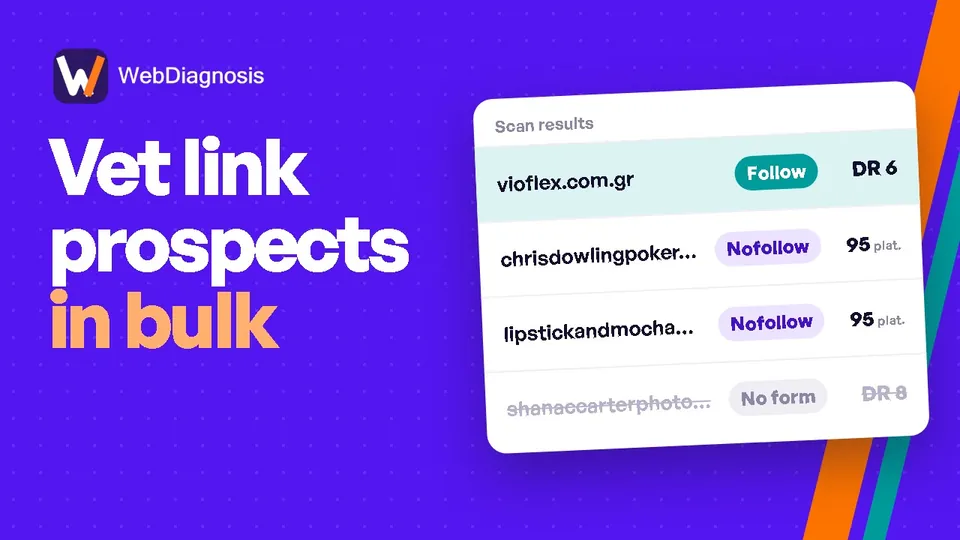
Paste the list of URLs you already have. WebDiagnosis opens every page and tells you which ones take a comment, whether the link is dofollow, the Ahrefs DR and the spam risk, so your team only works the pages worth it.
500 free checks · No card · Sign in with Google
Less tab switching. Better decisions.
Stop repeating the same questions across dozens of browser tabs. Put the answers next to each prospect, then review the pages that deserve a closer look.
Paste URLs or upload a CSV or Excel file. Start with the prospects you already found.
Input → URLs, CSV or ExcelKeep the five core checks, or add extras such as topic and relevance. You see the cost before you start.
Check → choose fields and see the costSearch and sort the report, review the evidence, then take the results into your spreadsheet.
Output → filter, review, copy or exportFrom export to evidence
A prospect export tells you where to look. It doesn’t tell you whether comments are open, whether the links there are dofollow, or whether the comment section is already full of spam.
Two posts on the same website share its Domain Rating. They can still have completely different comment settings.
| Prospect page | What is visible | Your next step |
|---|---|---|
| Current article | Open Form and existing links | Review relevance and link evidence |
| Archived article | Closed Comments disabled | Skip for a comment-link campaign |
Illustrative examples, not a scan of a customer’s website. An open form does not guarantee approval or SEO value.
Bring domain metrics into the decision without letting them make it for you. Read why Domain Rating is not enough.
Useful answers, not another data dump
Every row answers the questions you would otherwise open the page for: can you comment, is the link dofollow, how strong is the site, and how spammy are the comments already there.
Explore the checksOriginal WebDiagnosis research
Our published review followed 1001 rows from one purchased list, including 999 distinct URLs across 467 hosts. Here is the narrowing that an export alone did not reveal.
That is 3.7% of the submitted rows, not a promise of placement or ranking value. Only ten also met the study’s readable, low-spam-risk criteria. Manual review still matters.
Reviewed 7 September 2026. One purchased list and one mix of sites; these rates are not a benchmark for your campaign.
Read the findings and method →How the checks work · Source: the WebDiagnosis research library. Definitions, denominators and limitations stay attached to the findings.
The WebDiagnosis workspace
Qualify pages before outreach. Check the exact placements after they go live. Both tools are available now.
Before outreach, check the pages on your list for an open comment form, observed link type, Ahrefs DR and spam risk. Add Topic & Relevance when you need more context.
Explore Prospect CheckerAfter placement, check the exact source pages you have. See links to your client, their target URLs, anchor text and link type. Unreadable pages stay unresolved, not marked missing.
Explore Backlink VerifierIn planning: Prospect List Sorter. See the tool roadmap
Built for the work between discovery and outreach
Built for link building agencies, SEO teams and VAs who work from prospect lists. Today it checks blog-comment opportunities specifically.
Start with prospects from your own research or a tool export. Review the core signals together, then check relevance, editorial standards and usefulness on the pages you select.
Review an Ahrefs export →Give a client or teammate a consistent set of fields to review. Keep source URLs and uncertainty visible, then add ownership and campaign decisions in your own spreadsheet.
Follow the vetting checklist →Work through a vendor list the same way every time. Skip the pages with no comment form, and flag the rows that need a closer look.
Evaluate a vendor list →Featured from the blog
Practical reads on outreach fit, reported placements and lost-link alerts.
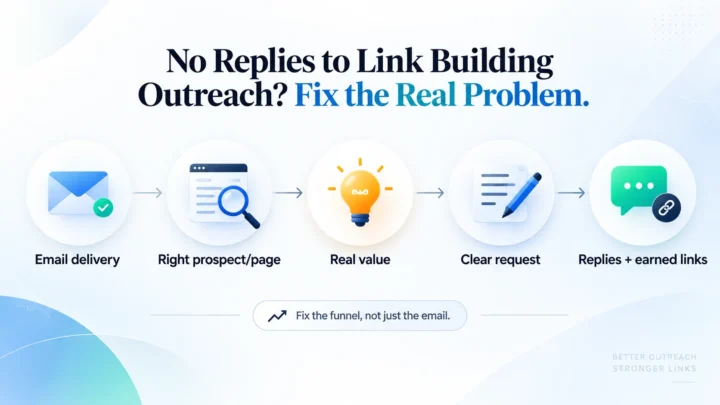 Off-Page SEO
 Find whether outreach is failing at delivery, page fit, contact choice, offer or follow-up before sending another batch.
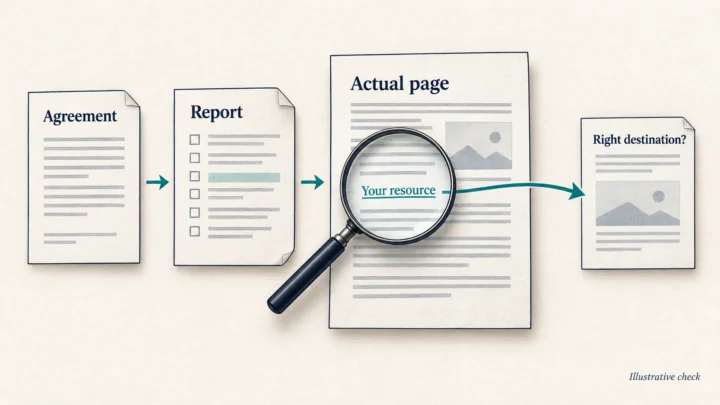 Off-Page SEO
 A polished report can show activity while leaving delivery unclear. Check the actual placements against the agreement, keep failed checks unresolved, and ask for…
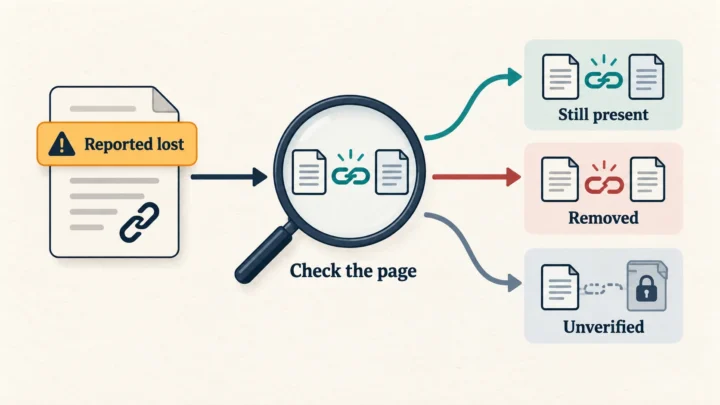 Off-Page SEO
 A lost-link alert is a reason to investigate. Check the source, the actual link and its destination, then decide what needs fixing and who…
Start with your own list
Free to start. Your unused credits do not expire.
Clear expectations
Public pages anyone can open. Pages behind a login or a CAPTCHA come back as Unknown rather than guessed. It never posts a comment and never tries to get past a login or CAPTCHA.
No. An open form or observed follow link is evidence, not a promise of approval, indexing or ranking value. Review relevance and quality before acting.
The free workspace keeps your latest report until you replace it, delete it or sign out. Export anything you need to keep. Copy and exports follow the active table filters. Clear filters when you need the complete list.