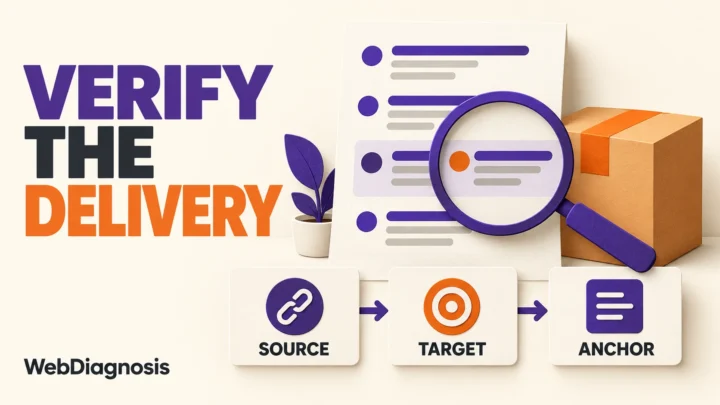

Your backlink spreadsheet may say a placement is live. That only tells you what somebody recorded on a particular day.
The source page can later redirect, disappear, point to the wrong destination, use a different anchor, or add nofollow or sponsored. A crawler may also fail to read the page even though the link is still there. Good backlink management keeps those situations separate instead of reducing every row to “live” or “lost.”
The practical goal is simple: preserve what you expected, record what you can observe now, and make the next action obvious.
Backlink management starts with the agreement
A backlink index, a placement verifier and a management record do different jobs.
| Job | The question it answers | Important limitation |
|---|---|---|
| Backlink discovery | Which pages might link to this domain or URL? | No crawler sees the whole web, and reports can lag behind the live page. |
| Direct verification | Does this supplied source page contain the expected link now? | One check does not show when a change happened. |
| Backlink management | What was expected, what was observed, and who should act? | The record is only useful when its evidence and dates stay current. |
| Continuous monitoring | Has a known placement changed since the previous check? | Alerts still need interpretation before somebody contacts a publisher. |
This distinction matters when a client, partner or vendor promises a specific placement. The agreement might name a source page, destination, anchor and link attribute. A general backlink report cannot read that agreement for you. It can only report what its crawler found.
Start your management record with the promised state. Then compare the page against it.
The seven fields every placement record needs
One row should represent one expected placement, even when several links come from the same domain.
| Field | Why it belongs in the record |
|---|---|
| Exact source URL | Identifies the page that should contain the link. A referring domain is not precise enough. |
| Expected target URL | Shows where the link was supposed to point. |
| Expected anchor or image | Preserves the wording or linked image that was agreed. |
| Expected attribute | Records whether nofollow, sponsored or another value was part of the agreement. |
| Current observed result | Shows what the latest check actually found. |
| Last checked date | Stops an old result from looking current. |
| Owner and next action | Turns evidence into a task instead of another colored cell. |
Add cost, publisher, client, campaign and replacement deadline when they help your workflow. Those fields provide business context. They do not replace the page-level evidence.
Use five states instead of “live” and “lost”
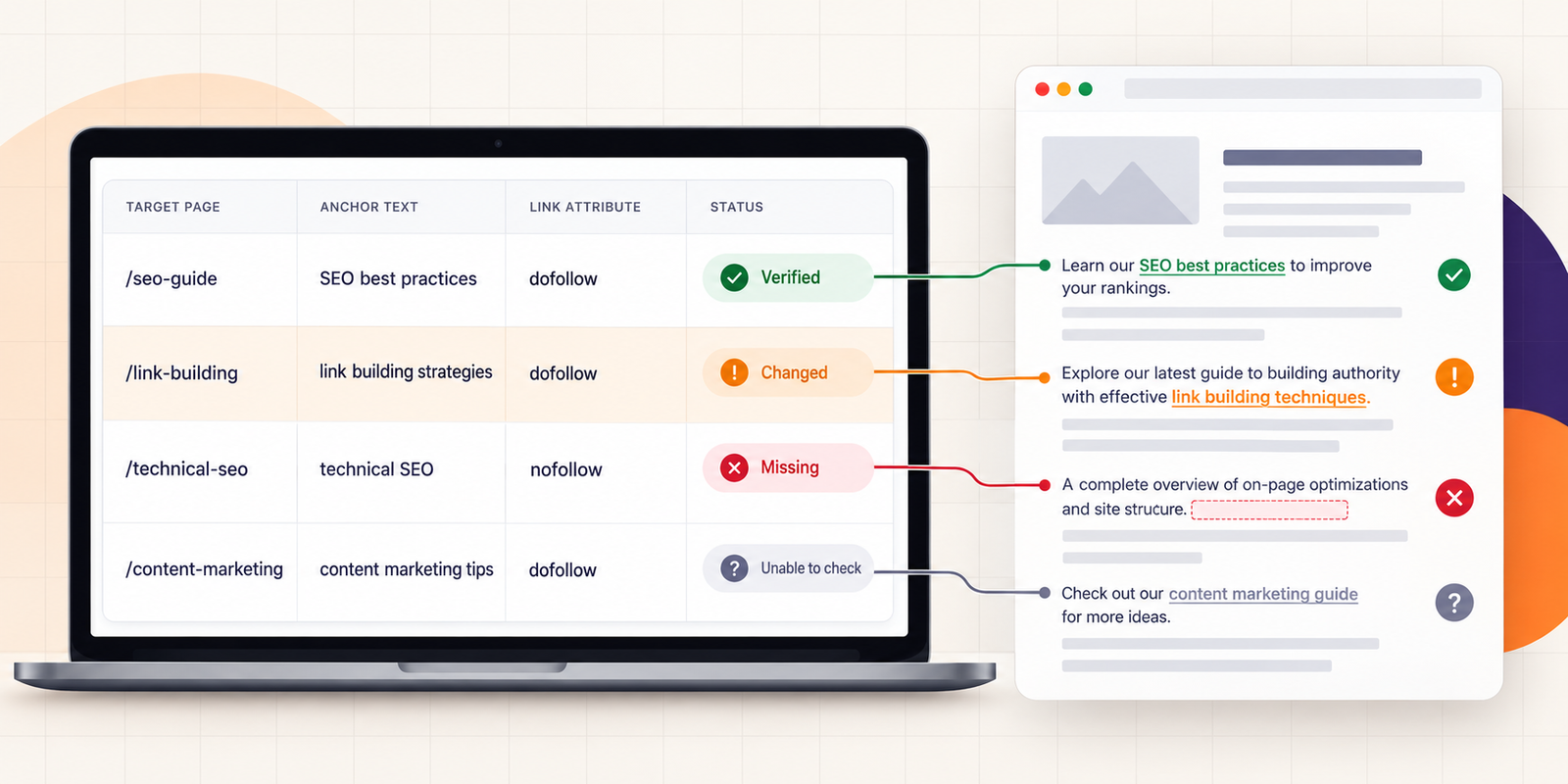
A two-state system creates false accusations and wasted follow-ups. Use statuses that describe what happened during the check.
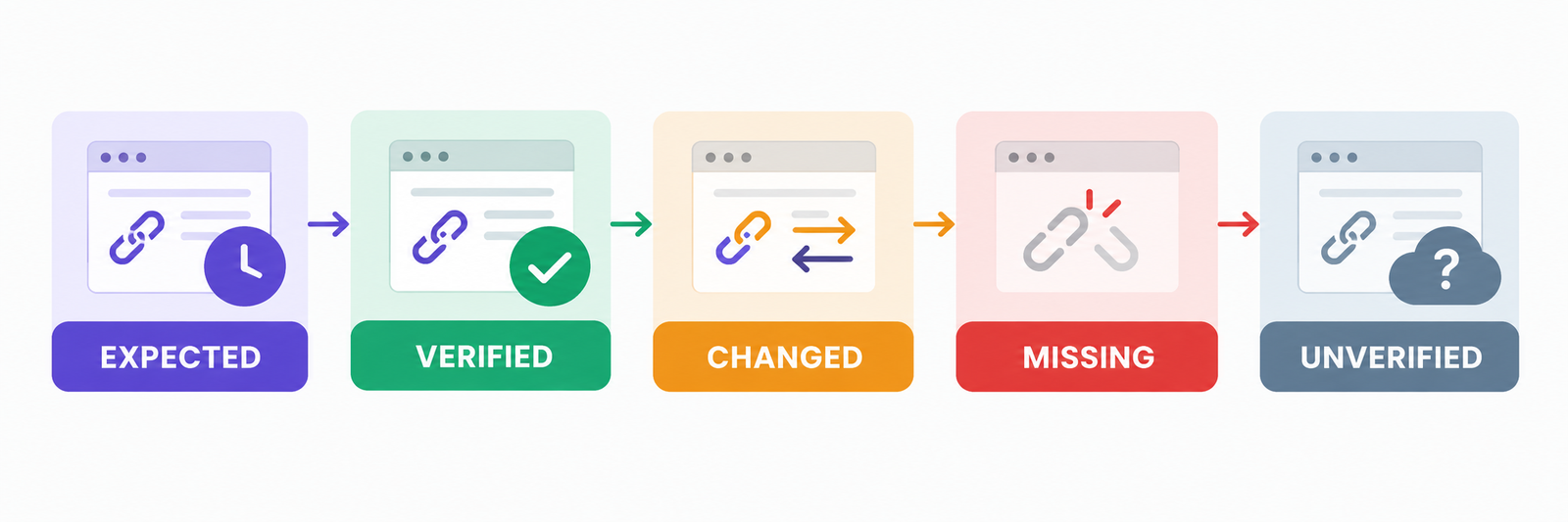
Expected
The placement has been agreed or reported, but nobody has verified the exact page yet.
Verified
The source page loaded and the expected destination, anchor and attributes matched. Save the check date. “Verified” describes that moment, not a permanent guarantee.
Changed
The link is present, but one or more important details differ. It may point to another page, use another anchor or carry a different rel value.
Missing
The source page was readable, but the expected link was not found. This is different from a source page that could not be checked.
Unverified
The page timed out, required a login, blocked the checker, returned a server error or depended on content the check could not read. Retry before calling the placement missing.
That final state is essential. If every unreadable page becomes “lost,” crawler trouble turns into a complaint about the publisher.
A backlink management workflow that survives handoffs
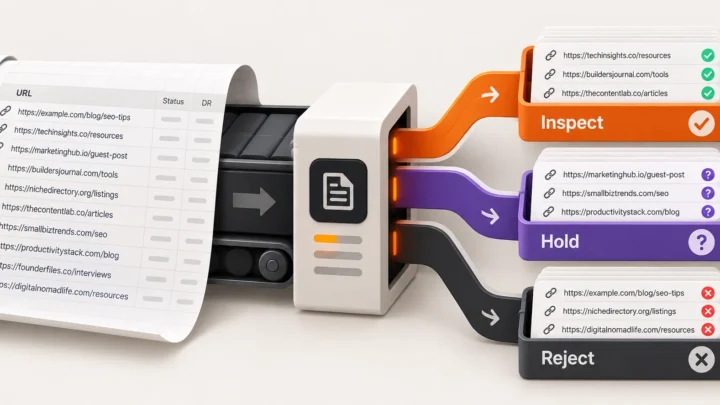
1. Clean the placement list
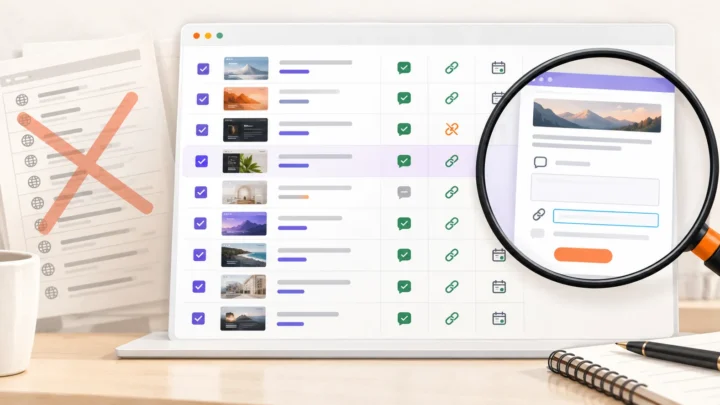
Keep one exact source URL per row. Separate multiple placements from the same domain, remove accidental duplicates and retain the original file for comparison.
2. Record the expected state before checking
Write down the promised target, anchor and attribute. If the provider never supplied those details, mark them as unspecified instead of filling the cells with assumptions.
For paid placements, Google’s guidance says publishers should qualify links with rel="sponsored" or nofollow. User-generated links can use ugc. These attributes describe the relationship around a link; they do not tell you whether a page is useful or whether Google will value the placement. See the WebDiagnosis link-attribute guide and Google’s outbound-link documentation.
3. Check the exact source page
Open the page or use a direct verifier. Record its response, final URL and whether the expected link appears. If it appears, compare its destination, anchor and attributes with the expected values.
The WebDiagnosis Backlink Verifier accepts source-page URLs you already have and reports matching links, targets, anchors, attributes and source or target responses. It also keeps pages it could not verify separate. It does not discover a site’s complete backlink profile or monitor changes continuously.
4. Save evidence before contacting anyone
A useful follow-up identifies the exact difference:
The placement at this source URL now points to
/home. Our delivery record specifies/pricing. It was checked on 6 October 2026.
That is easier to resolve than “the backlink is wrong.” Keep the current result, check date and previous expected value together.
5. Assign an action
Do not leave changed rows in a red filter with no owner. Decide whether to:
- retry an unreadable page;
- correct your own broken target or redirect;
- ask the publisher to restore a missing link;
- ask a vendor to correct a target, anchor or attribute;
- accept an editorial change;
- request a replacement under the agreement; or
- close the row with the reason recorded.
If a backlink tool reports a loss while the link still appears on the page, use the lost-backlink diagnostic before escalating it.
What to do when the current page does not match
| Result | Check next | Sensible action |
|---|---|---|
| Source returns 404 or 410 | Whether the article moved to another URL | Find the replacement page, then contact the publisher if the content was removed. |
| Source redirects | Final URL and whether the link survived | Update the source record if the move is legitimate. |
| Link is missing from a readable page | Previous evidence and replacement terms | Ask for restoration or replacement with the exact source URL and check date. |
| Destination changed | Whether the current target was agreed or redirects correctly | Correct the record or request a fix. |
| Anchor changed | Whether the wording still describes the destination accurately | Treat editorial wording differently from a contractual mismatch. |
| Attribute changed | Current rel values and the commercial relationship |
Record the actual attribute and check the agreement and Google’s guidance. |
| Page is unreadable | Error type and retry history | Retry. Keep it unverified until the page can be assessed. |
When a spreadsheet is enough
A spreadsheet is often the right backlink manager when the list is small, checks are occasional and one person owns the follow-up. It is transparent, easy to export and flexible enough to add campaign context.
Move to dedicated backlink management software when:
- the list is too large to recheck consistently;
- several people update the same placements;
- clients require dated change history;
- missed removals have contractual or financial cost;
- reminders and scheduled checks matter; or
- exchanges and partner balances have become difficult to reconcile.
Test software with a representative set before moving the whole portfolio. Include a normal editorial link, a redirected source, a redirected target, a changed anchor, a qualified link and an occasionally blocked page. A useful system should show the evidence behind each state, not only a green or red label.
What backlink management cannot prove
Even a clean, current record has boundaries. It cannot prove:
- that Google indexed the source page;
- that Google counts or values the link;
- that the placement caused a ranking change;
- that a third-party crawler found every backlink to the site; or
- that a page which failed one check is permanently unavailable.
Those are different questions. Keep them out of the placement-status column.
The best backlink management process does not promise certainty. It gives every important placement a source URL, an expected state, a dated observation and a clear next action. That is enough to stop spreadsheet rows from becoming stale claims and to make publisher, vendor and client conversations much easier to resolve.