

The best link building outreach tool is the one that fixes the bottleneck in the workflow you already have. Use Hunter when finding and checking contacts is the slow part. Use BuzzStream when relationship history and team coordination are getting lost. Consider Pitchbox when a larger team needs a structured review, personalization and sending process. If prospect research already lives in Semrush, its Link Building Tool can reduce handoffs. For a small, occasional campaign, a spreadsheet and your normal mailbox may still be enough.
That answer is less exciting than crowning one platform “best,” but it is more useful. Outreach software can organize a sound process. It cannot make an unsuitable page relevant, turn the wrong contact into an editor or give a weak resource a reason to be cited.
Choose the job before you choose the tool
This comparison starts after you have approved the prospect page. If you still need to discover pages, assess their fit or decide whether an opportunity is technically usable, start with the broader map of link prospecting tools. Importing an unreviewed export into an email platform merely moves the mess closer to the Send button.
| Your real bottleneck | Best starting point | Why it fits | What still needs checking |
|---|---|---|---|
| A small, irregular campaign | Spreadsheet and mailbox | No migration or setup burden | Duplicates, follow-ups, opt-outs and ownership stay manual |
| Finding and verifying work emails | Hunter | Contact research and verification can flow into lightweight sequences | A valid address can still belong to the wrong person |
| Shared history and team coordination | BuzzStream | CRM-style contact history, activity and campaign visibility | Your team still needs consistent fields and ownership rules |
| Structured agency-scale review and outreach | Pitchbox | Inspection, personalization, preview and sequences live in one workflow | Automation should not bypass prospect or message approval |
| Prospecting already happens in Semrush | Semrush Link Building Tool | Prospects, contacts, outreach status and SEO research remain together | Convenience does not replace page-level review |
The comparison above is based on current product documentation, not a claim that every platform was tested in the same live campaign. That is why the final choice should come from a controlled trial using your own approved prospects, senders and team rules.
Use Hunter when contact data is the bottleneck
Hunter is the clearest fit when you already know which pages deserve outreach but keep losing time to contact research. Its Email Finder and Verifier can attach a work address and a verification state to a lead. Hunter’s current verification documentation distinguishes valid, invalid, accept-all and unknown results, and warns that a previously valid mailbox can still change.
Hunter also supports connected mailboxes, custom personalization attributes and multi-step sequences. Its sequence documentation says follow-ups stop after a reply, unsubscribe or bounce. That makes it a credible lightweight outreach system, not only an address lookup tool.
The limit is conceptual: deliverability is not authority. Confirm that the person owns, edits or influences the target page. Otherwise, a verified address simply delivers the wrong request more reliably.
Use BuzzStream when history is scattered across the team
BuzzStream is better suited to teams that need a relationship record rather than a better mail merge. Its official product pages describe contact research, email, activity tracking, reporting and a shared history of conversations. The practical benefit is not another dashboard. It is knowing that a colleague contacted the same editor last month before somebody sends an awkward second “first” introduction.
The platform’s prospecting and research walkthrough specifically shows prior contact history and whether a contact is active in another campaign. That makes BuzzStream a strong starting point when duplicate outreach, forgotten context and unclear ownership are the expensive mistakes.
A CRM only helps when the team uses it consistently. Before migrating, agree on what counts as a contact, an opportunity, a positive reply and a completed placement. Otherwise, you have traded several inconsistent spreadsheets for one impressively centralized inconsistent database.
Use Pitchbox when the workflow needs stronger gates
Pitchbox makes more sense when outreach is a repeated production process with separate research, review, personalization and sending responsibilities. Its current outreach workflow guide documents prospect inspection, pass-or-fail review, personalization fields, Preview & Send and a three-stage automated follow-up sequence.
Those stages are useful for an agency or a larger in-house team because they make the handoffs visible. A reviewer can reject a site, a writer can fill campaign fields and a sender can preview the actual email. The same structure is unnecessary overhead if one person sends twenty carefully chosen messages a month.
Pay closest attention to the bypasses. Pitchbox also allows bulk launch without preview when a team is confident in the setup. Test permissions and defaults so convenience cannot silently remove the approval gate you intended to keep.
Use Semrush when fewer handoffs matter most
Semrush is the practical candidate when your team already uses it to find competitor gaps and build prospect lists. Its Link Building Tool documentation covers finding prospects, locating contact information, organizing outreach and monitoring campaign progress. Keeping those steps in one existing workspace can be more valuable than adding a specialist platform with a longer feature list.
The tradeoff is depth versus continuity. Test whether the built-in workflow gives your team enough control over contact history, personalization, duplicate prevention and reporting. If it does, another subscription may add more switching than capability. If it does not, export only the approved rows to a dedicated outreach CRM.
A spreadsheet is still a valid tool
For an occasional campaign run by one person, use a sheet with the source URL, contact, verification date, owner, last action, next action, opt-out state and placement result. Send individually from a properly configured work mailbox. The manual setup becomes fragile when several people touch the same contacts, follow-ups are frequent or past relationships should inform new campaigns.
Do not confuse low software cost with low operating cost. If maintaining the sheet takes longer than researching the pitch, the system has become the bottleneck. That is the moment to test a CRM, not the moment a vendor comparison tells you that professionals need one.
Test the workflow, not the demo
Put the same 25 approved prospects through your current process and each serious candidate. Use a mix of new contacts, people your team contacted before, accept-all addresses and pages owned by different roles. Then check:
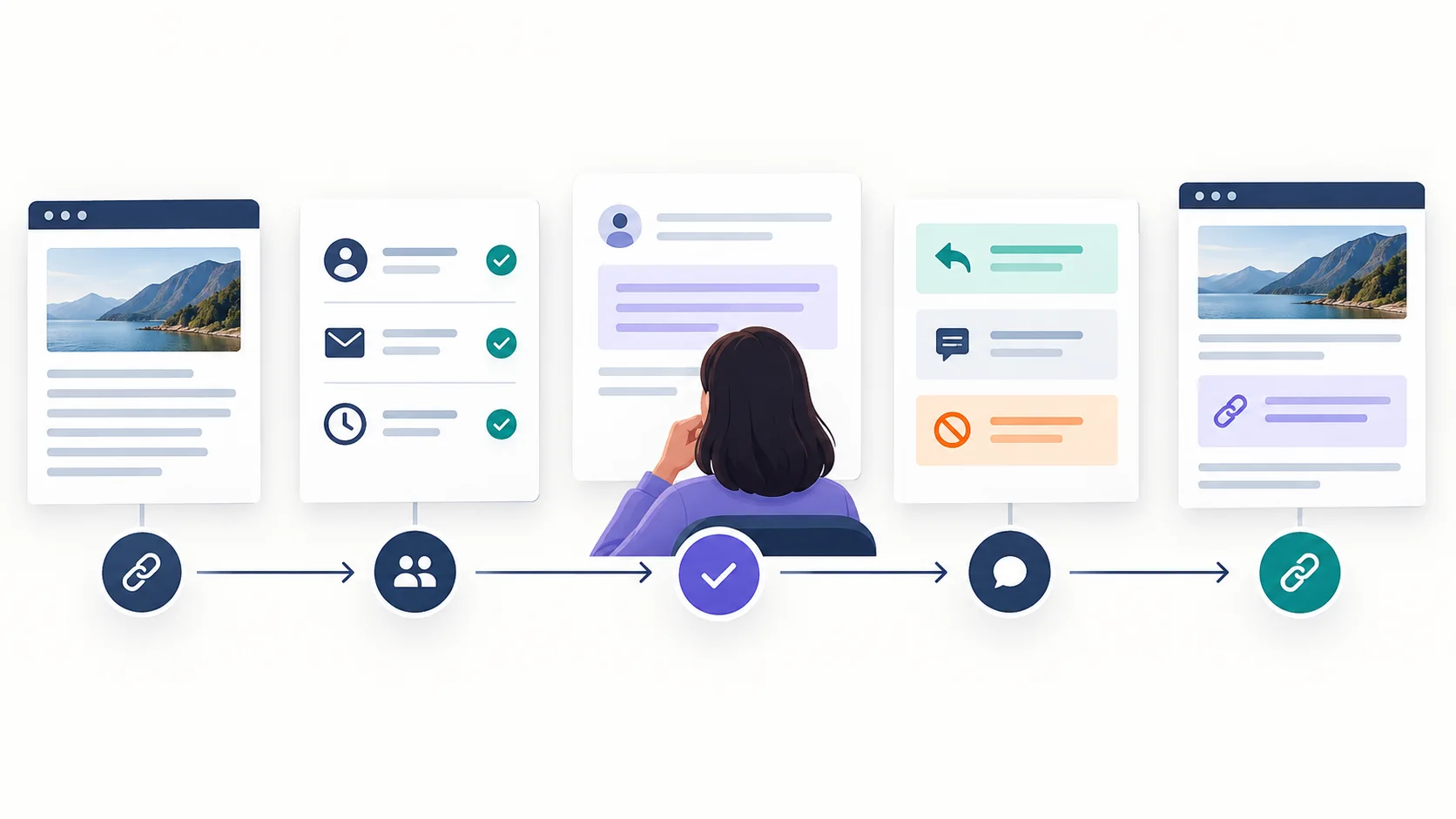
- Import fidelity. Does the exact source page survive, or does the system reduce the opportunity to a domain?
- Duplicate protection. Does it warn you about the same person, website or active conversation across campaigns?
- Contact judgement. Can a reviewer see the role, source and verification date before approving the recipient?
- Message control. Can you preview the rendered email, catch missing fields and edit one message without breaking the sequence?
- Reply and opt-out handling. Do follow-ups stop correctly, and can the whole team see what happened?
- Outcome ownership. Can you export the source URL, conversation and verified placement rather than only opens and sends?
Also verify the sending setup outside the product demo. Google’s current email sender guidelines require authentication for messages sent to personal Gmail accounts, with additional SPF, DKIM, DMARC, spam-rate and unsubscribe requirements for bulk senders. A sequencer cannot repair a domain that was never configured correctly or a campaign recipients consistently mark as spam.
If a live campaign is already producing silence, do not swap tools yet. First diagnose whether the problem is delivery, the contact, page fit, the offer or the follow-up. New software is an expensive way to preserve the wrong diagnosis.
The honest verdict
There is no universal winner among link building outreach tools. Hunter is the cleanest fit for contact work and lighter sequences. BuzzStream is strongest when shared relationship history matters. Pitchbox suits a structured, multi-person outreach operation. Semrush is sensible when its existing prospecting workflow is already where the team works. A spreadsheet remains enough for a small campaign that one person can genuinely control.
Choose the smallest system that prevents your most expensive mistake. Test it with approved prospects, preserve a human review before the first email, and measure relevant replies and verified placements rather than the number of messages the software was capable of sending.