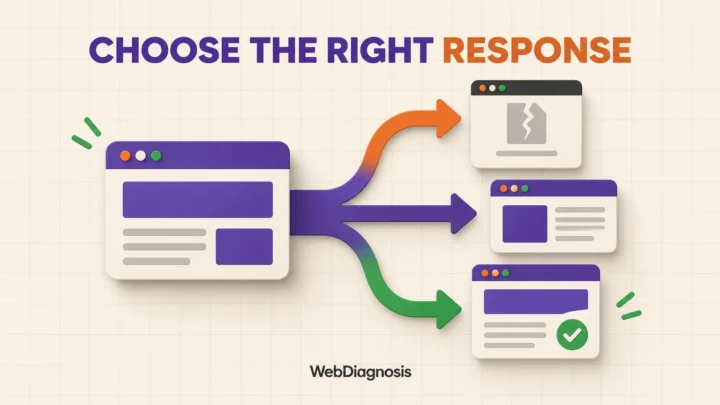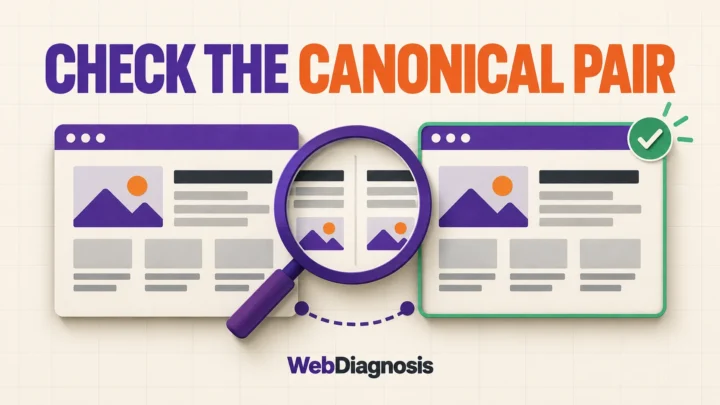

“Crawled – currently not indexed” means Google visited the URL but has not added it to the index. It may be added later, but repeatedly requesting indexing is not the fix. First confirm that the report is current, then check whether Google can render the page, whether another URL is being treated as canonical, and whether this page offers enough distinct value to deserve its own result.
Google’s Page indexing documentation says there is no need to resubmit a URL simply because it has this status. That is easy to miss when the Request indexing button is sitting there looking hopeful.
My order is simple: confirm the current URL state, rule out technical blockers, then judge the page and its search intent. Backlinks come later. Google has already crawled this URL, so discovery is not the first problem to solve.
| What you find | What it probably means | Next move |
|---|---|---|
| URL Inspection now says the page is indexed | The Page indexing report is behind the current state | Do nothing and let the report catch up |
| The live test cannot load or render the main content | Google may fetch the URL but fail to see a usable page | Fix the response or rendering problem |
| Google selected a different canonical | The page may be duplicate or too similar to another URL | Review duplication and canonical signals |
| The page is clean technically but adds little that is distinct | Indexing may be a page-value decision | Improve, consolidate or remove the unnecessary URL |
| Hundreds of similar URLs share the status | The problem is probably a template or content-system pattern | Fix the pattern instead of submitting URLs one by one |
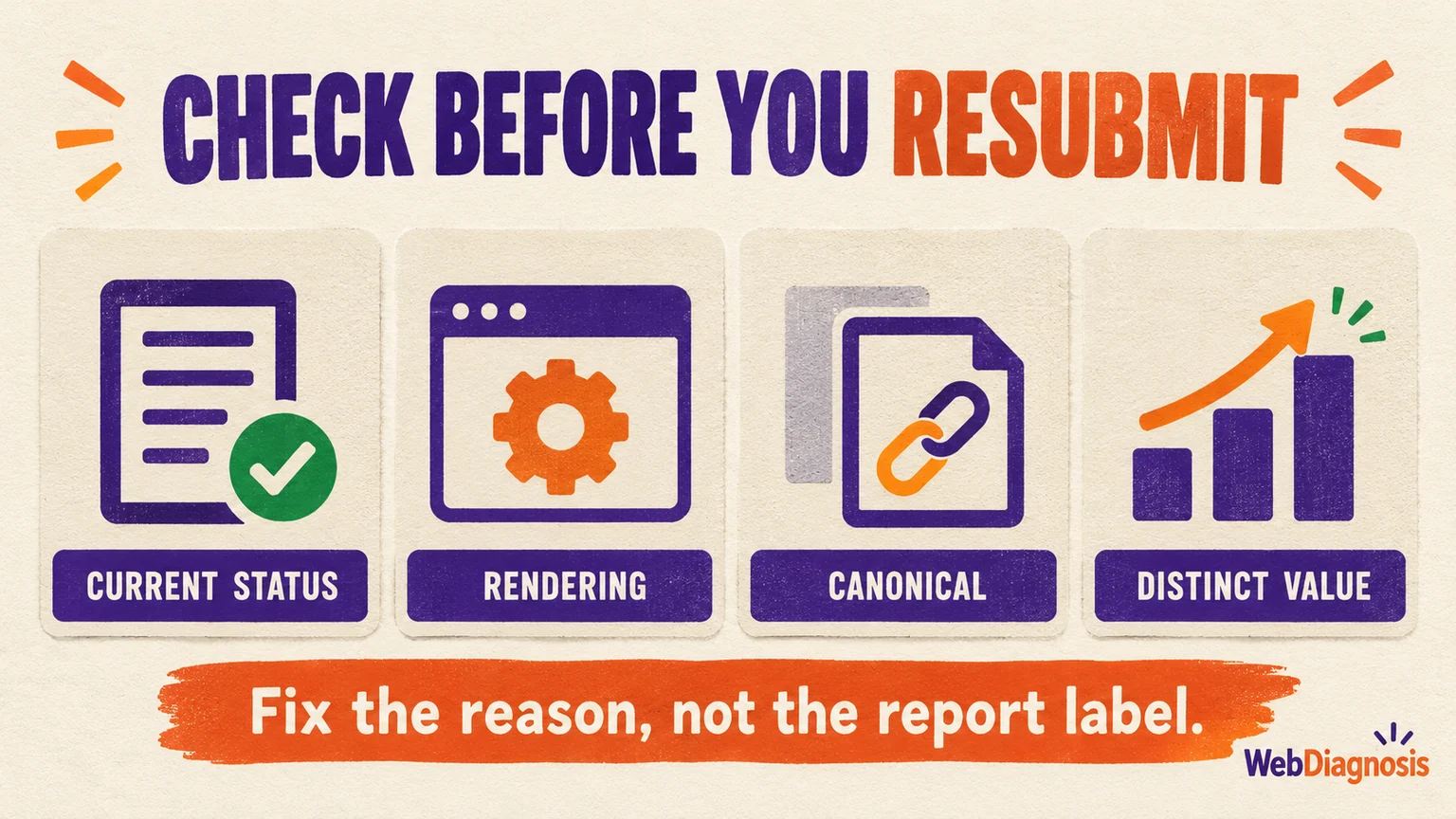
Check whether the page is still excluded
Start with the exact URL in Search Console’s URL Inspection tool. The Page indexing report is an aggregated report and may not reflect the latest state of one page. If URL Inspection says the URL is indexed, you do not have an indexing repair to make.
If it is still excluded, note the last crawl date, the user agent used, the Google-selected canonical and any referring page or sitemap information. Then run a live test and open the tested-page details.
The live test answers whether Google can fetch the current version. It does not guarantee indexing and cannot reproduce every indexing-time decision. Google’s URL Inspection guide specifically notes that canonical selection and the “Crawled, currently not indexed” status cannot be fully tested live.
Rule out a technical problem without blaming everything technical
Because Google previously crawled the URL, this status is not automatic proof of a robots.txt or server problem. Still, the page may have changed since that crawl, and a fetchable HTML response can render into an empty or broken page.
Check the current page for:
- A clean
200response without a redirect chain or intermittent server failure. - No
noindexdirective in the HTML or HTTP headers. - A canonical that points to the intended version, with no conflicting sitemap or internal-link signals.
- Main content visible in the live-test screenshot and rendered HTML, not only after a failed script or user interaction.
- Links and important resources available to Googlebot.
If these checks pass, stop hunting for a secret technical switch. A green live test means the page is accessible now. It does not mean Google must store it.
Make sure this URL should be indexed at all
Not every crawlable URL needs to become a search result. Tag archives, filtered URLs, empty categories, feeds, printer versions and near-duplicate landing pages can all be valid parts of a website without deserving separate index entries.
Ask three blunt questions:
- Does this page have a distinct job? It should satisfy a need that another indexed page on the site does not already handle better.
- Is this the preferred URL for that job? Similar pages, parameters and inconsistent canonicals can make the intended version unclear.
- Would the page still be useful without search traffic? A page assembled mainly to capture a keyword variation rarely becomes more useful because the phrase appears in another heading.
If two pages answer the same query with the same information, improving both can preserve the duplication. Use the keyword-cannibalization decision check to decide whether the URL has a separate job. Choose the stronger URL, move any genuinely useful material into it, and consolidate the weaker version with an appropriate redirect or canonical where the pages are true duplicates.
If Search Console selected a different URL, work through the duplicate canonical decision first. Google’s canonical guidance recommends consistent signals, including a self-referencing canonical on the preferred page and the preferred URLs in the sitemap. A canonical is a consolidation signal, not a way to make two meaningfully different pages fight over one address.
If the URL is necessary, improve the reason to index it
A technically clean page can still be optional to Google. The response is not to inflate it with another 1,000 words. Add what the reader is actually missing.
- Answer the main question near the top instead of making the reader excavate it.
- Add original evidence, first-hand observations, a useful comparison or a decision the current results do not help with.
- Remove repeated sections that merely reword other pages on your site.
- Give claims a clear source and show who wrote or reviewed the page.
- Match the format to the search intent. A sales page wearing a guide’s coat is still a sales page.
This is not a promise that a good rewrite will be indexed. Google does not guarantee inclusion, even when a page meets its technical requirements. It is a better use of effort than changing the publication date, resubmitting unchanged copy or adding filler. Google’s people-first content guidance asks whether a page adds original information or analysis and leaves the reader able to achieve their goal.
Give the page a real place in the site
An important page should not depend on a sitemap alone. Link to it from pages where a reader would naturally need the next detail. Use descriptive anchor text and make sure the link is a normal <a href> element.
Google says properly linked pages can usually be discovered through site navigation, while a sitemap helps discovery but does not guarantee crawling or indexing. For this status, internal links do more than help discovery. They show how the page belongs to the surrounding subject and give users a reason to reach it.
Do not use backlinks as an indexing repair
A relevant external mention can support a useful page, but “Crawled, currently not indexed” already tells you Google reached the URL. Buying links before checking the page, canonical and content simply adds another variable to an unresolved problem.
Once the page is technically sound and worth finding, link work becomes a separate decision. Use the page-level prospect-vetting sequence to reject weak opportunities before outreach rather than treating any available placement as a solution.
Request indexing once the page has meaningfully changed
After fixing a small number of URLs, use URL Inspection to request indexing. For a larger group, update the pages, keep canonical URLs in the sitemap and let Google recrawl the pattern.
Google says recrawling can take from a few days to a few weeks and that repeated requests for the same URL do not make crawling faster. The Request indexing button is not an elevator button. Pressing it six times does not make Google arrive sooner.
Its recrawl documentation also makes the larger point clear: a request does not guarantee inclusion.
If the status persists, do not repeat the same submission. Recheck what changed, compare the page with the URLs Google already indexes for that need, and decide honestly whether this should remain a separate page. Sometimes the right fix is a better page. Sometimes it is one fewer page.