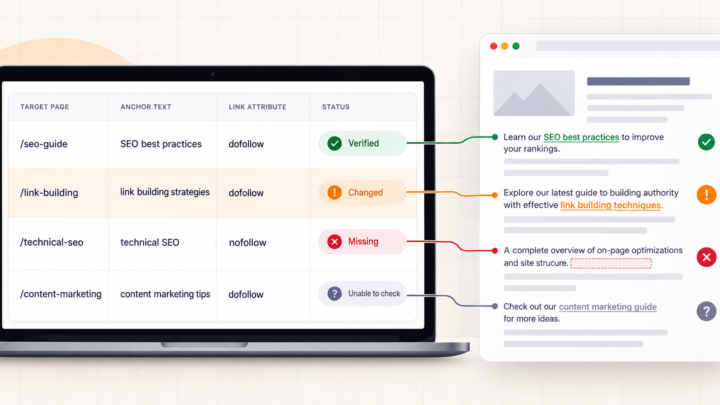


A “toxic backlink” alert is a reason to inspect links, not a reason to upload a disavow file. The label usually comes from an SEO tool’s own signals. Google does not use that tool’s score to tell you a link is harmful. First check whether the link exists, why it was placed and whether Search Console reports a manual action. For most sites, that check ends without a disavow.
The distinction matters most when an alarming dashboard shows hundreds of links overnight. A large number can come from a single repeated footer, an old crawl or sites you have never dealt with. None of those facts alone tells you what to remove.
What does “toxic” mean here?
In a backlink audit, “toxic” is a tool’s risk label. For example, Semrush groups its own toxic markers into a scoring model. Such a label can help you choose what to inspect first, but it cannot establish Google’s view of a particular link.
Google’s link-spam policy is concerned with links created primarily to manipulate search rankings. Paid links that pass ranking credit, automated link creation and keyword-heavy links distributed through templates are among its examples. An unfamiliar domain, low traffic estimate or odd-looking URL is not, by itself, evidence that you arranged a link scheme.
Check one flagged link before judging the batch
Export the flagged rows with their source-page URLs, then group repeated URLs from the same domain or campaign. Start with several representative pages from each pattern, not just domain names or a toxicity column. Keep a short record of what you can actually confirm:
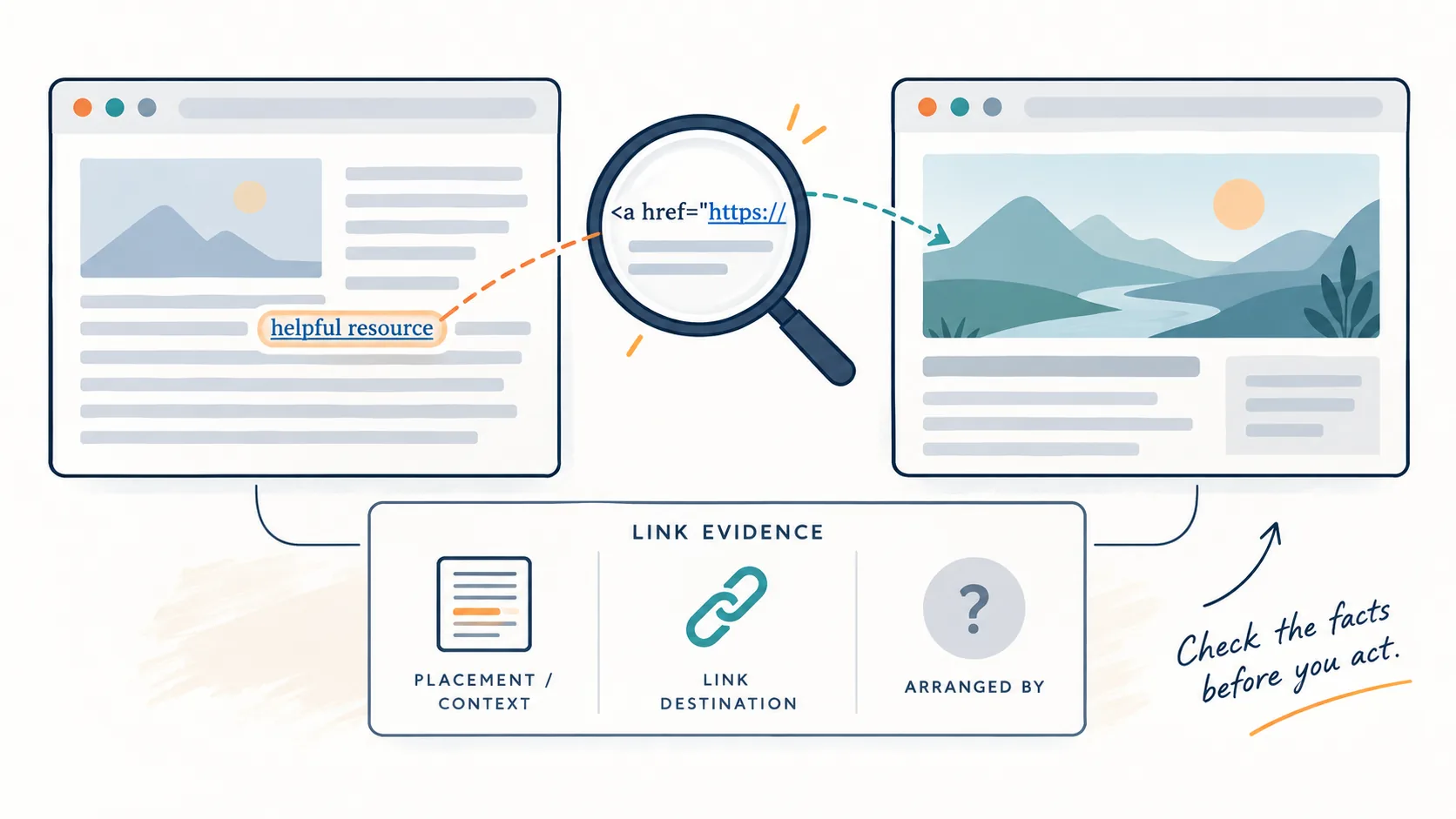
- Source and destination: Can you open the source page, find the link and confirm its current target? A tool may retain a link after the page changes. If the page cannot be checked, record that as unknown rather than calling it harmful.
- Placement and wording: Is this an editorial citation, directory listing, comment, paid placement or repeated template link? Note the anchor text and any
relattributes. Our guide to nofollow, sponsored and UGC explains what those attributes can tell you. - Origin: Did you, an agency or a vendor arrange the placement? Check old invoices, outreach records and link-building reports. If a vendor supplied the list, compare its reported placements with the live pages before assuming what was delivered. Intent is easier to assess when you know who requested the link.
- Pattern: Are many rows one placement copied across pages? If so, compare backlinks with referring domains. Our sitewide-links guide explains that counting trap.
Mark each checked source as link found, link absent or unable to verify, with the date. A blocked or unreadable page belongs in the third group. Do not count it as a removed link or evidence of spam. If a sample reveals links from a campaign you controlled, inspect the rest of that campaign rather than judging it from one page.
Then check the Manual actions report in Google Search Console. A manual action is a specific notice, not a dip on a traffic chart. Search Console’s Links report is a sample, so differences between its list and a third-party index do not settle whether Google has seen or valued a link.
Choose the next step from the evidence
| What you find | Sensible next step |
|---|---|
| Only a high tool score; no verified manipulative pattern or manual action | Record the finding and leave the link alone. A score is not a disavow threshold. |
| An unsolicited, low-quality link you did not arrange | Check whether it is part of a wider pattern. Avoid spending hours contacting every random site merely because a tool listed it. |
| Paid or otherwise manipulative links you or an agency arranged | Identify the affected placements. Ask publishers to remove or appropriately qualify the links, and keep a record of your attempts. |
| A manual action for unnatural links to your site | Follow the notice, clean up what you can, then use Google’s documented disavow and reconsideration process for links you cannot fix. |
If a past campaign looks manipulative but there is no manual action, the answer depends on its scale and evidence. Review the campaign against Google’s policy before choosing a remedy. Do not turn an uncertain link list into a sitewide disavow just to make a dashboard look greener.
When does Google say to disavow?
Google says most sites do not need its disavow tool. Its guidance sets two conditions together: you have a considerable number of spammy, artificial or low-quality links, and those links have caused or are likely to cause a manual action. Google also recommends trying to remove problematic links from the linking sites first and warns that an incorrect disavow can harm your site’s performance.
Disavowing asks Google to ignore specified links. It does not delete them from the other website, repair a poor page on yours or guarantee recovered rankings. If you genuinely reach that step, use Google’s current file format and upload instructions rather than copying an old file from a forum.
The useful outcome of an audit may be a very short list: links you verified, placements you can explain, and a few that need follow-up. That is more defensible than treating every red cell in a backlink export as a threat.